How to Create and Manage Email Accounts
Estimated reading: 2 minutes
Add a mailbox/forwarder-only
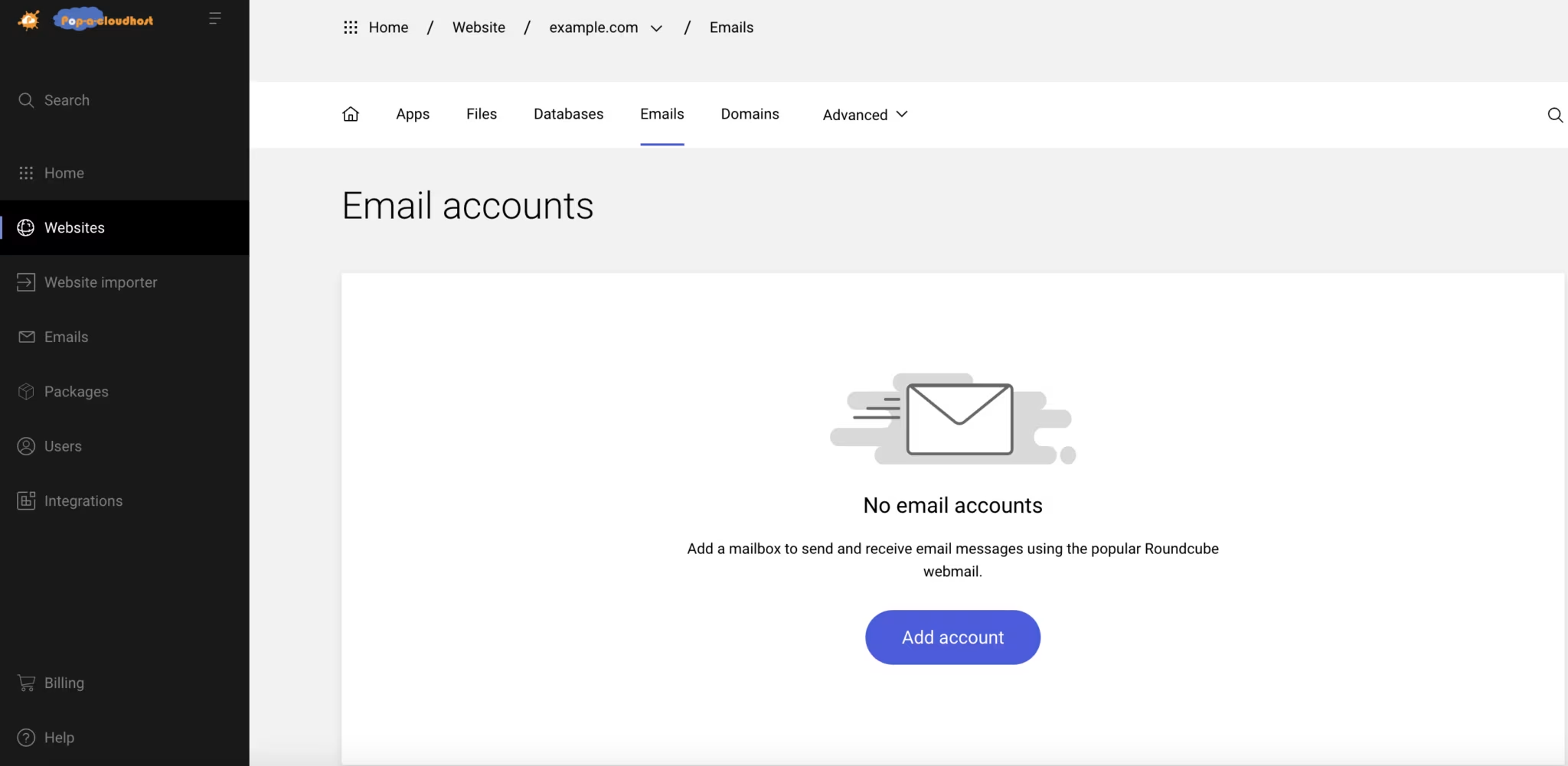
Open Emails in the left sidebar
Select
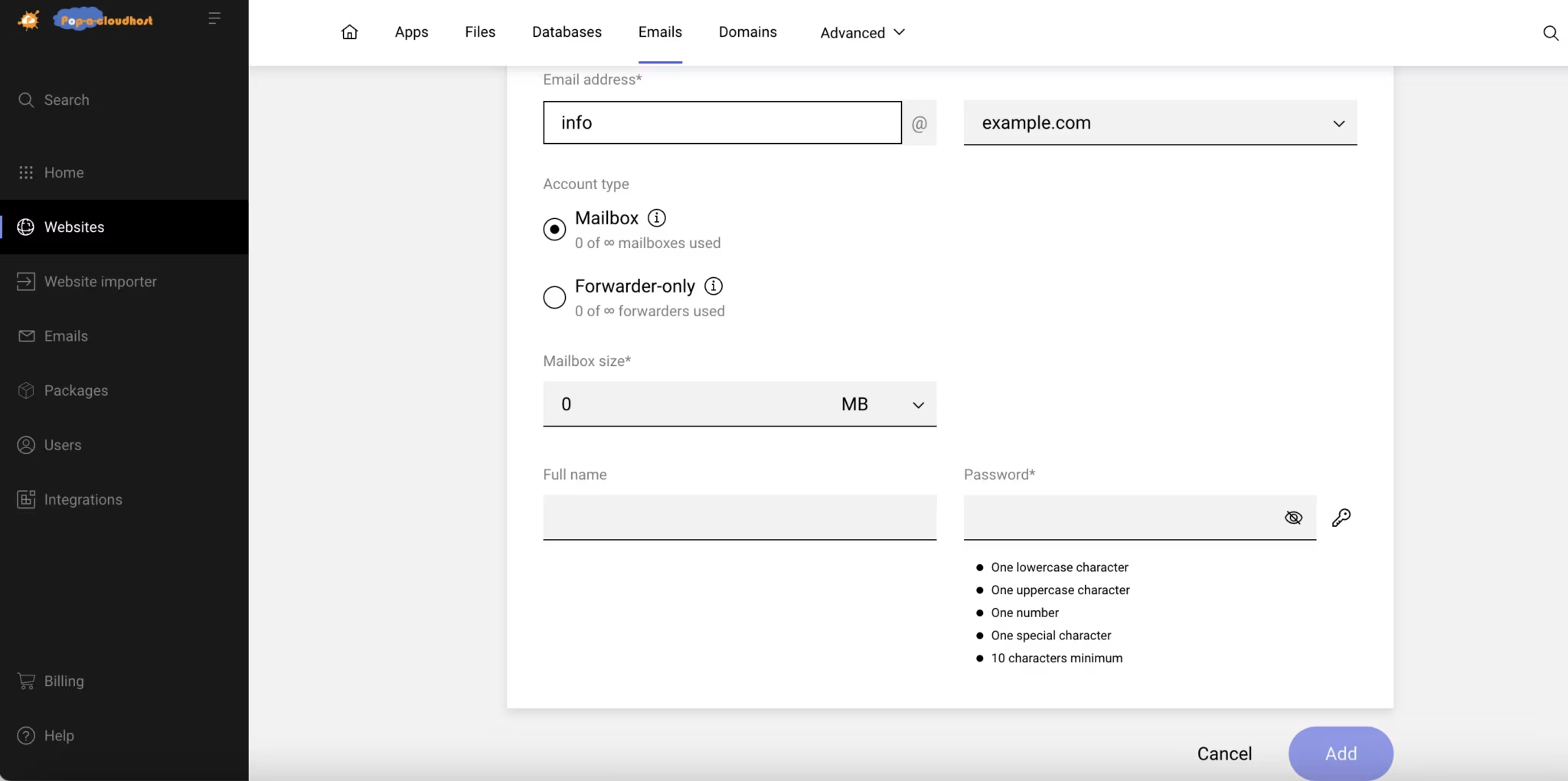
When the form loads, input the email address and select the type of account you would like to create (mailbox or forwarder only)
Complete the form
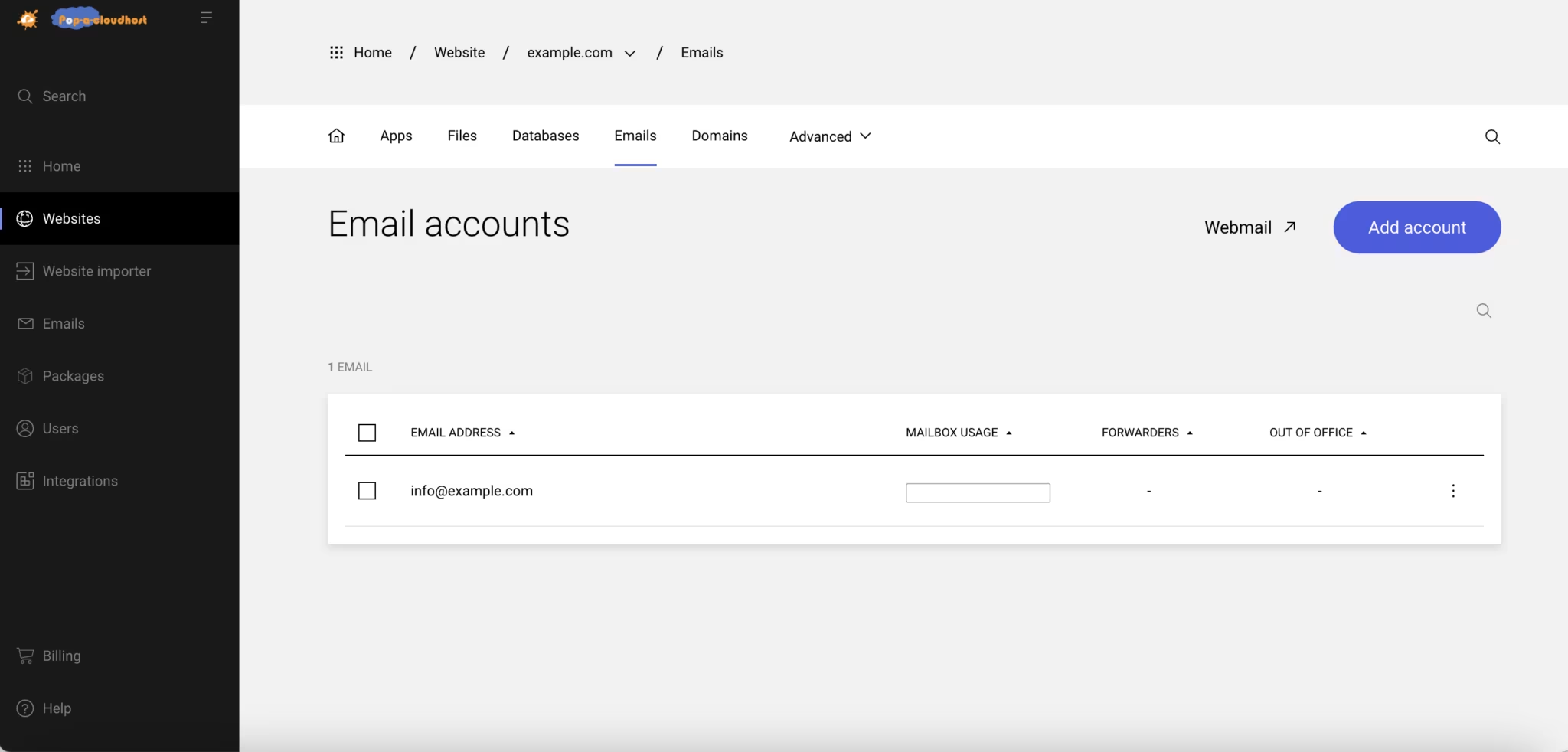
Click to finish
You can configure your mail client on your device or access your emails online using Webmail https://webmail.popacloudhost.com/
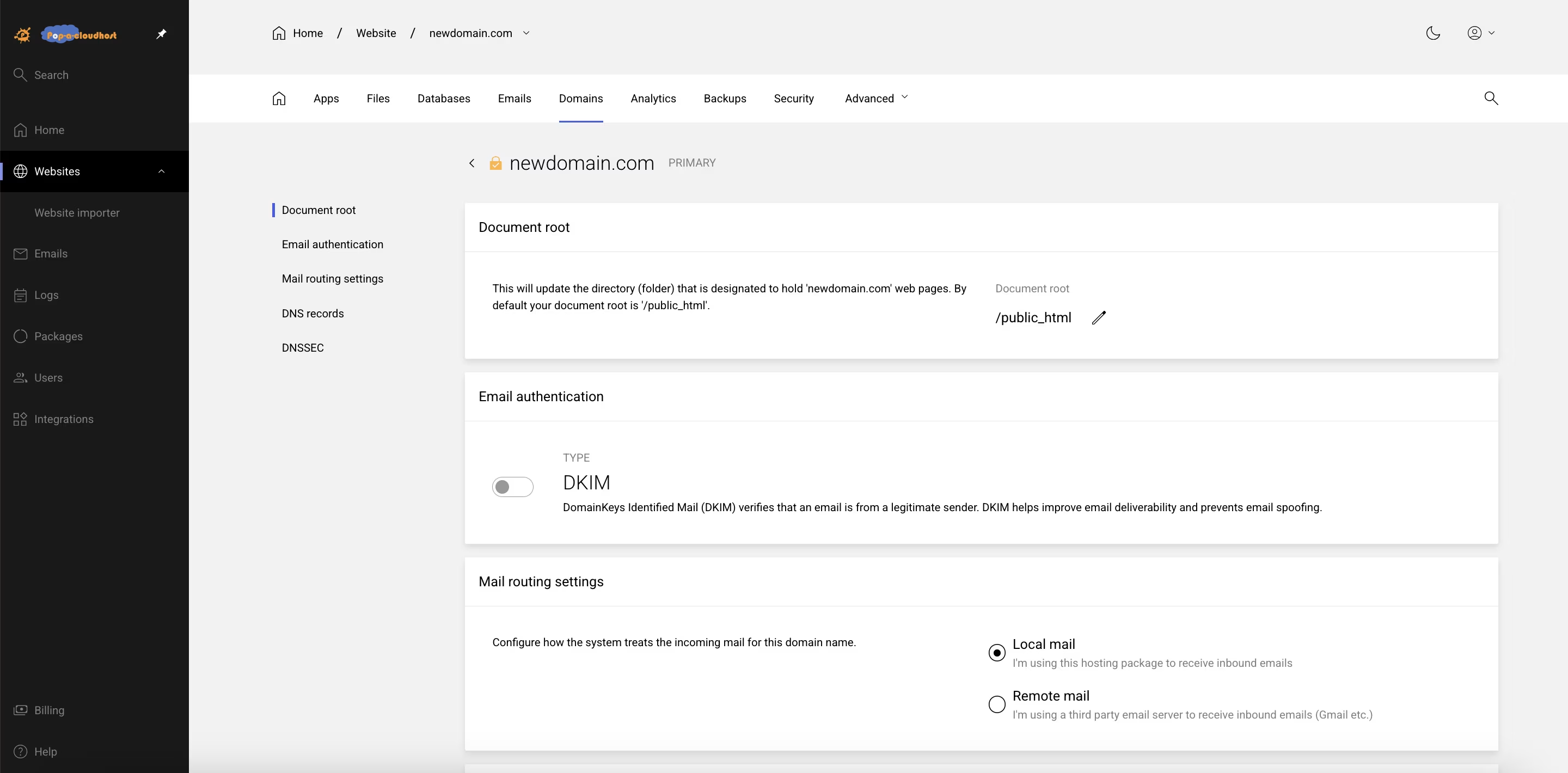
Email authentication
Email authentication (or email validation) is a collection of protocols used to verify the source and legitimacy of email messages. SPF (Sender Policy Framework) is a form of email sender authentication. It validates if an email was sent from an authorized IP address. An SPF record is automatically added to every domain.
DKIM (DomainKeys Identified Mail) is a form of domain authentication that signs the message and verifies it was sent from the source domain. DKIM can be enabled on a per-domain basis.
Enable DKIM on a domain:
Open Websites in the left sidebar
Select the website you would like to enable DKIM
Select from the top menu and select the domain you would like to enable DKIM on
Scroll to Email authentication and toggle DKIM
OnIf the DNS is hosted with PopaCloudHost wait for validation. If the DNS is hosted elsewhere, follow the instructions on the screen to complete authentication.