How to Import a Website from cPanel or Plesk
Estimated reading: 3 minutes
Importing a cPanel or Plesk backup
This ‘Plesk import’ tool is in BETA. This means the tool has been thoroughly tested but you may stumble across obscurities. Please report any unusual behaviour to us.
cPanel importer’ tool allows you to migrate a cPanel Or Plesk account to PopaCloudHost.
A cPanel import will restore a full cPanel account backup. Websites should work exactly as they did on cPanel. Some proprietary features available on cPanel are not supported on our panel, these tools will not be copied across.
The following will be imported:
Primary website
Sub, add-on, and parked domains will become mapped domains within a single website
All files
All database
Any installed applications
All email accounts
All forwarders-only accounts
Any existing SSL certificate
Cron jobs
FTP accounts
The following proprietary tools are not supported :
Postgres databases
Wildcard subdomains
Mailman settings
Directory privacy
PostgreSQL databases
Catch all email addresses
Autoresponders
Calendars and contacts
Existing statistics
Error pages
cPanel importer is compatible with full cPanel account backups generated on versions 102 LTS, 104, 106, 108.
Importing a cPanel backup
Warning
If any domains you are importing already exist in your account, you will need to delete these to proceed with the import… make sure you always back up your work or website.
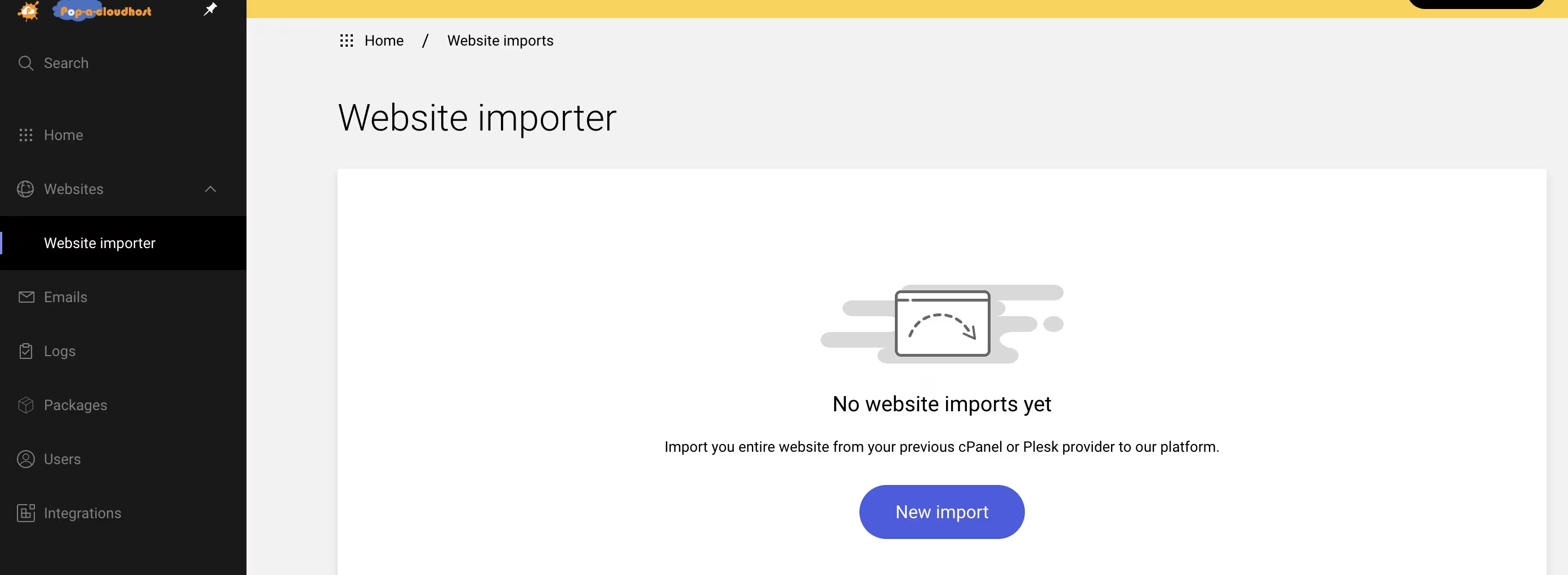
To import a cPanel account:
Select the in the left sidebar
Click
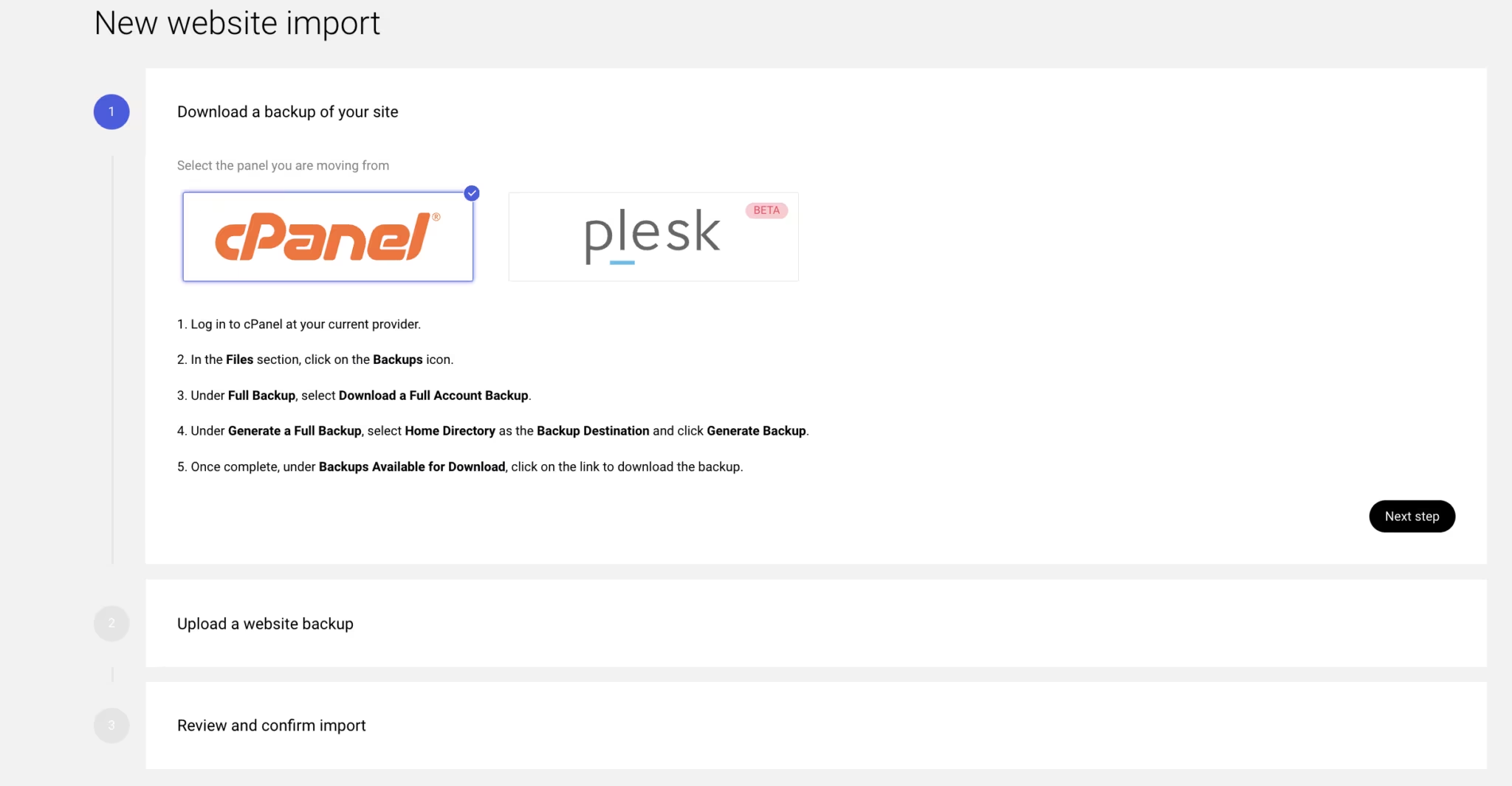
Generate a full account backup in your cPanel interface. Save the tar.gz file to your desktop. Click Next
Upload your backup and click Next. If you have previously uploaded a backup you will see this backup listed to the left.
Once the page loads. Check for any conflicts (Any conflicts that are blocking your website import will be highlighted in the red modal)
Select Import now to finish
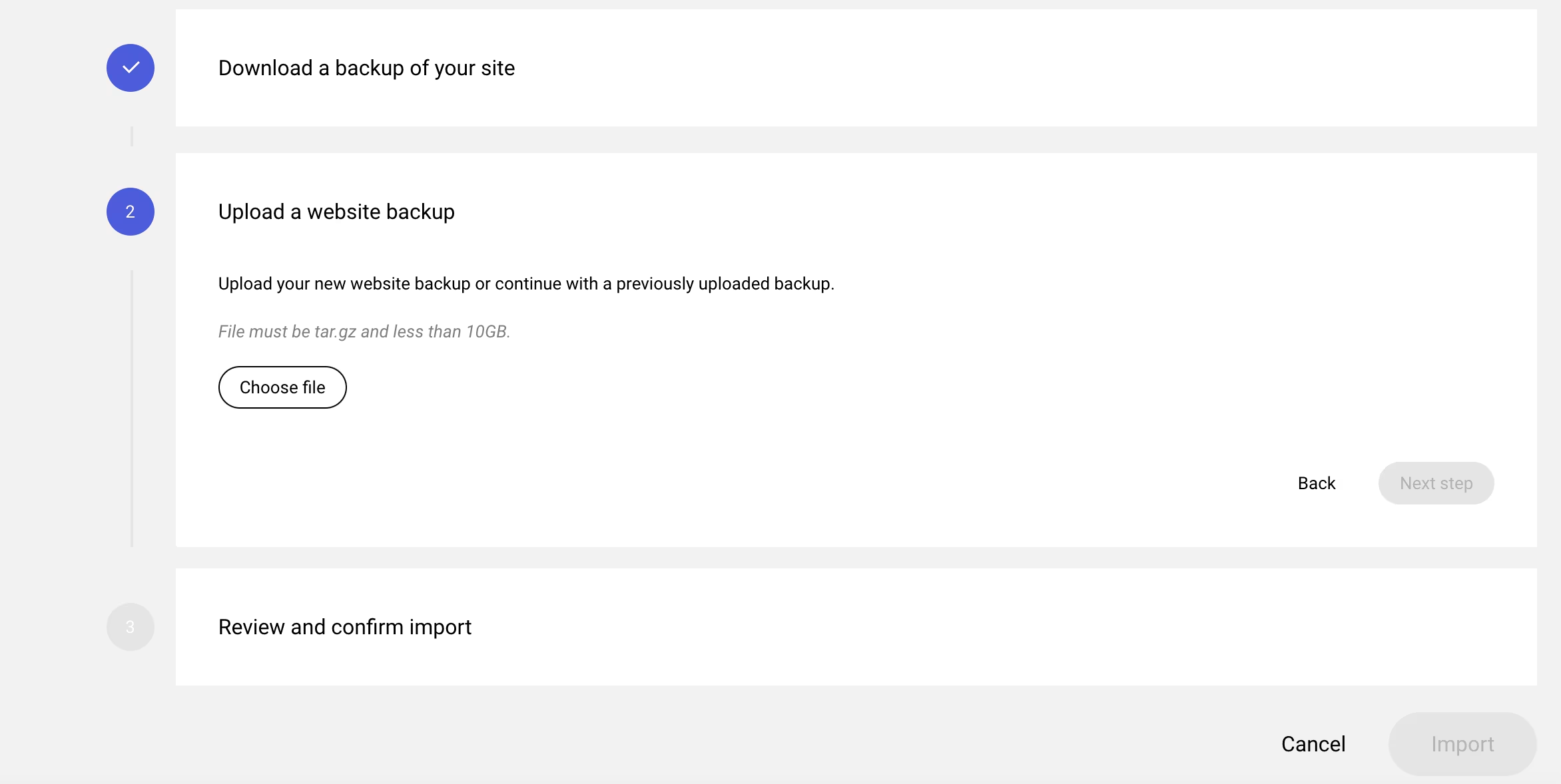
Repeat the same process for the Plesk Option.
If you are not able to use the above two methods you can always use the manual website migration method. It involves taking website files and Database backup and restore on the new server. We provide free WordPress Website migration services, Sign up for the Free WordPress Migration Offer by purchasing a yearly plan.
Contact us and email us at support@popacloudhost.com for further queries.