How to Enable Free SSL with Let’s Encrypt on Your Website
Estimated reading: 3 minutes
Let’s Encrypt Certificates
A certificate will be requested at the point of creation. It can take up to 5 minutes for a certificate to be provisioned, during this time a self-signed certificate will be issued. All Let’s Encrypt certificates are issued for 3 months. Control Panel will automatically request a new certificate 3 days before expiry.
Request a Let’s Encrypt Certificate
Warning
In the case where a certificate fails to provision a backoff exists to help protect from rate limiting. After the first request failure, the frequency of requests will be limited in minutes to the number of failures squared.
- A Let’s Encrypt certificate can be manually requested for a domain:
Open Websites in the left sidebar
Select the website you would like to request a certificate for
On the website dashboard select then
Scroll to SSL certificates
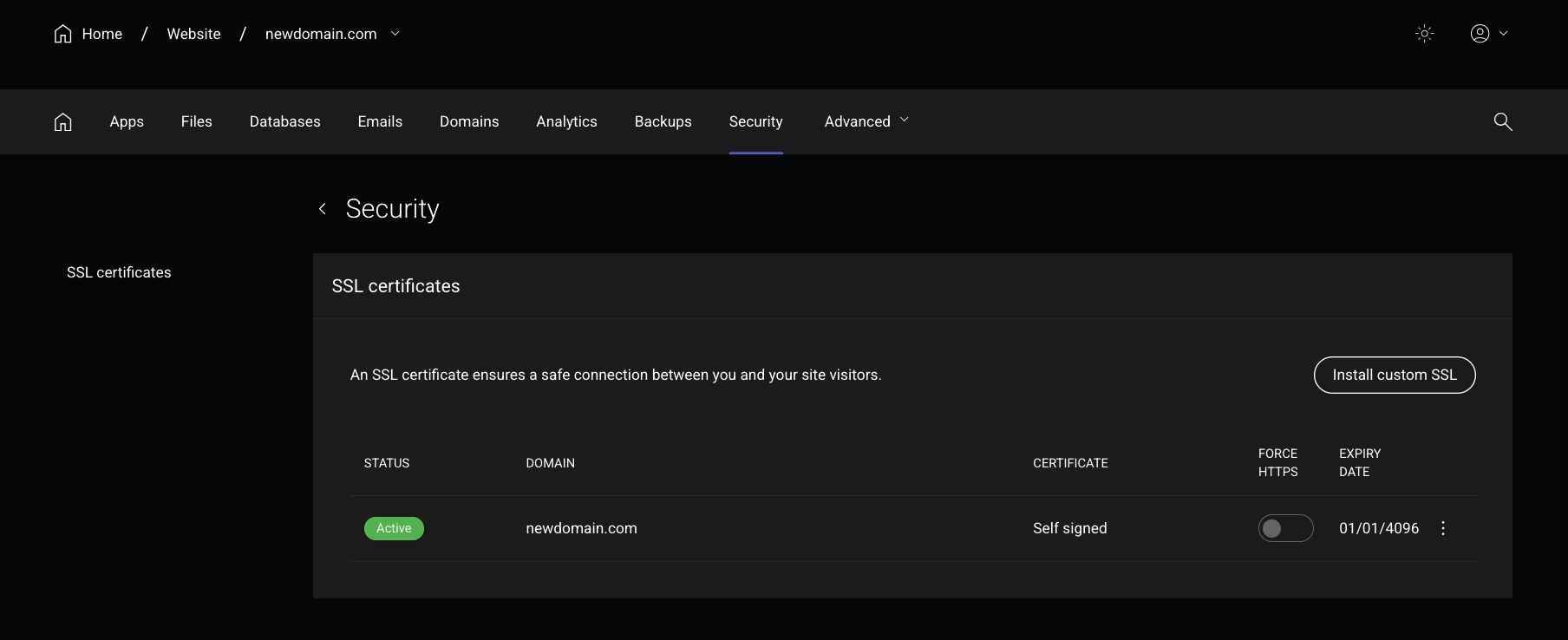
Here you will see all existing SSL certificates for the domains on the website. Select the kebab menu and select Request Let’s Encrypt Certificate
Upload a Custom Certificate
You can configure your own paid or self signed certificate.
Paid SSL certificates are offered by commercial Certificate Authorities like DigiCert, Sectigo, and GlobalSign. They come in various levels: Domain Validation (DV), Organization Validation (OV), and Extended Validation (EV). Recommended for business, enterprise, or sites handling sensitive data (e.g., payment gateways, customer portals)
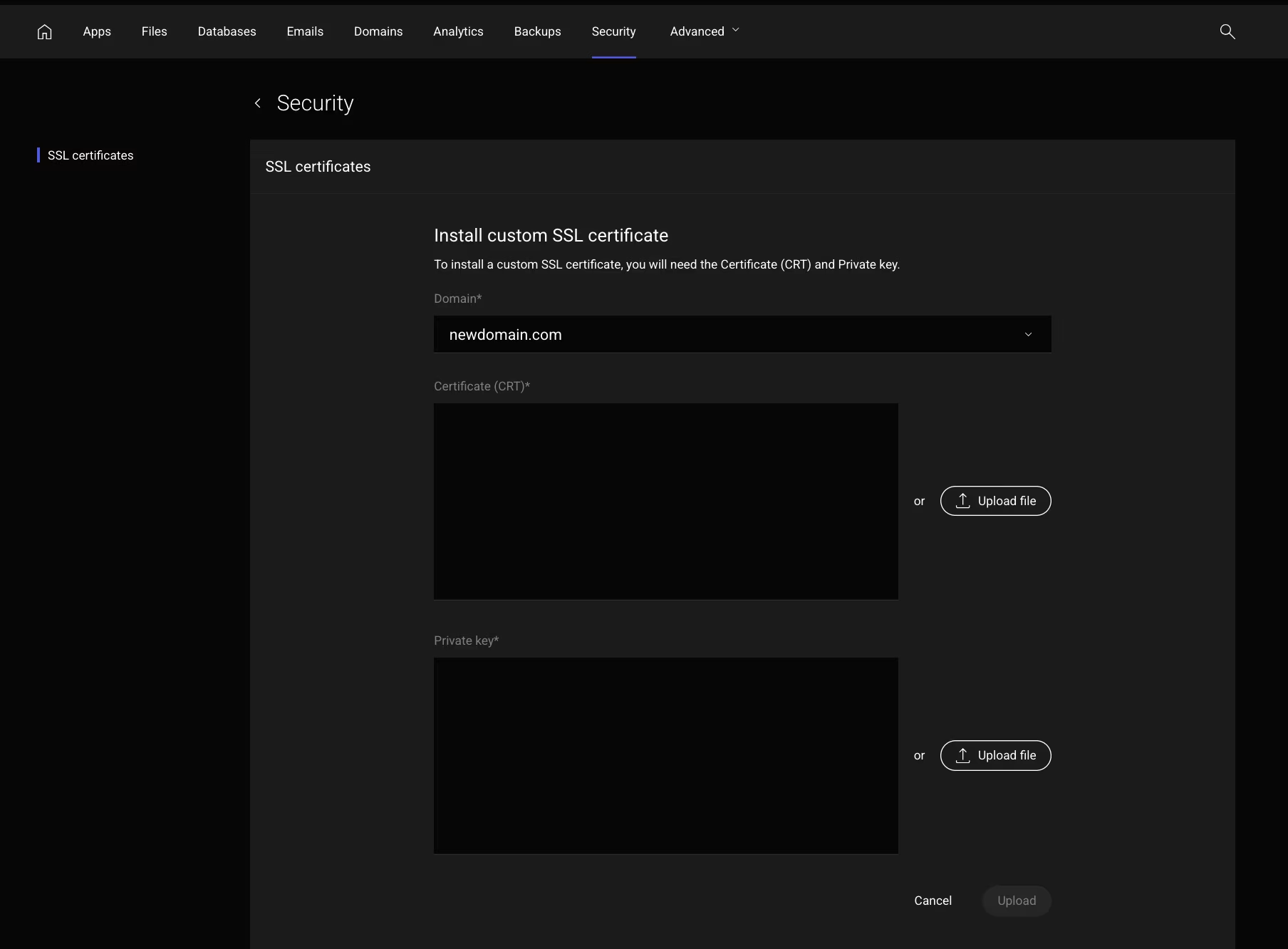
Installing a Custom Certificate is pretty straightforward , Click on the and follow the steps to upload CRT and Private Key File available with you.
Troubleshooting
A Let’s Encrypt certificate has not been issued If a Let’s Encrypt certificate has not automatically been issued to a website, please:
Check the DNS points to a server in your cluster.
If the website is a staging domain or a subdomain, ensure the parent domain resolves.
If you have completed the troubleshooting steps and the issue persists please raise a ticket with support@popacloudhost.com for further assistance.