Create a Staging Website for WordPress Development
Estimated reading: 1 minute
How do you add a staging website?
- To add a staging website:
Open Websites in the left sidebar
Click
Select either Add WordPress Website, Install an app, or Clone a website and select the Make this a Staging website checkbox
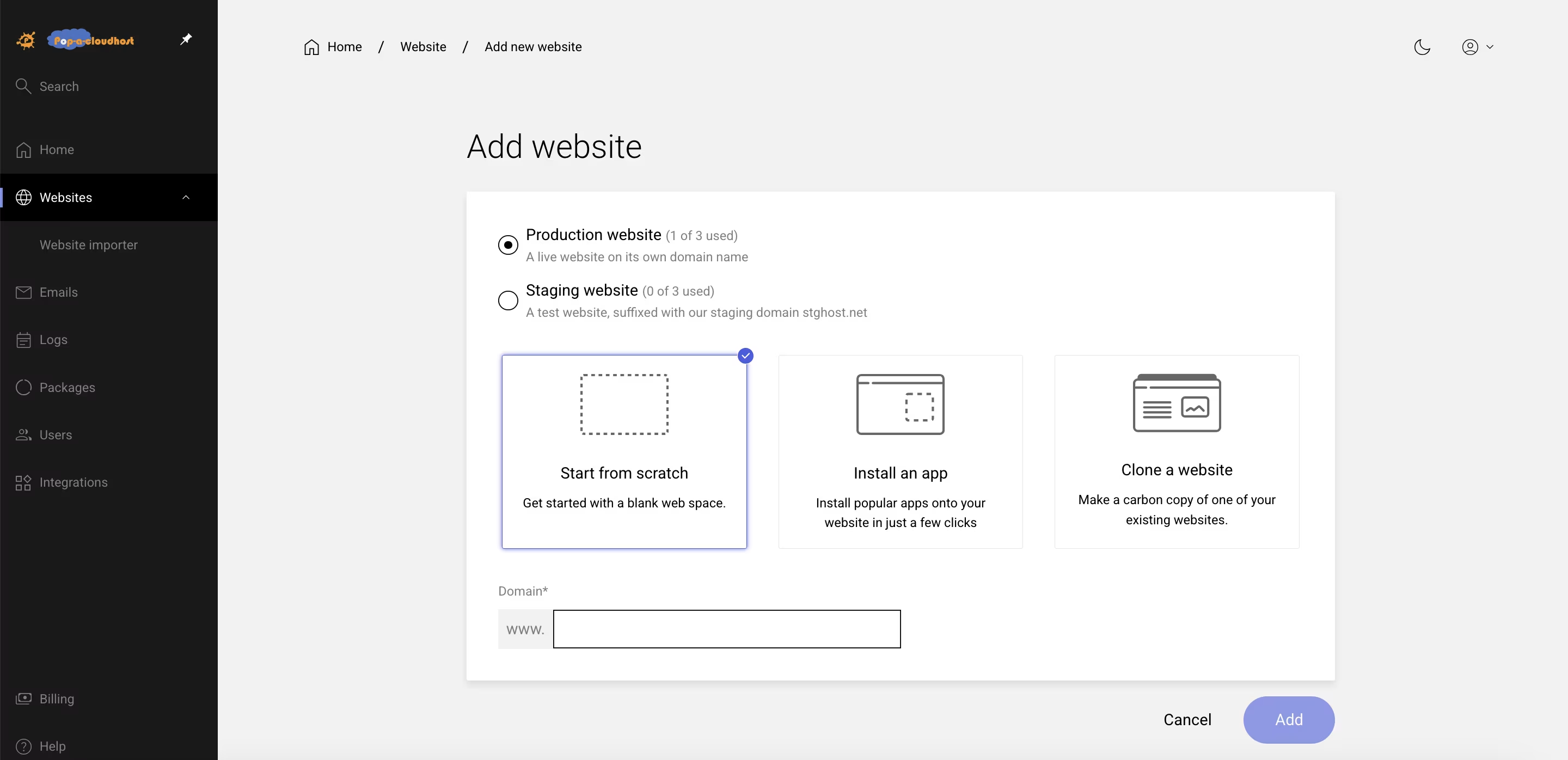
4. Type Domain Name Prefix
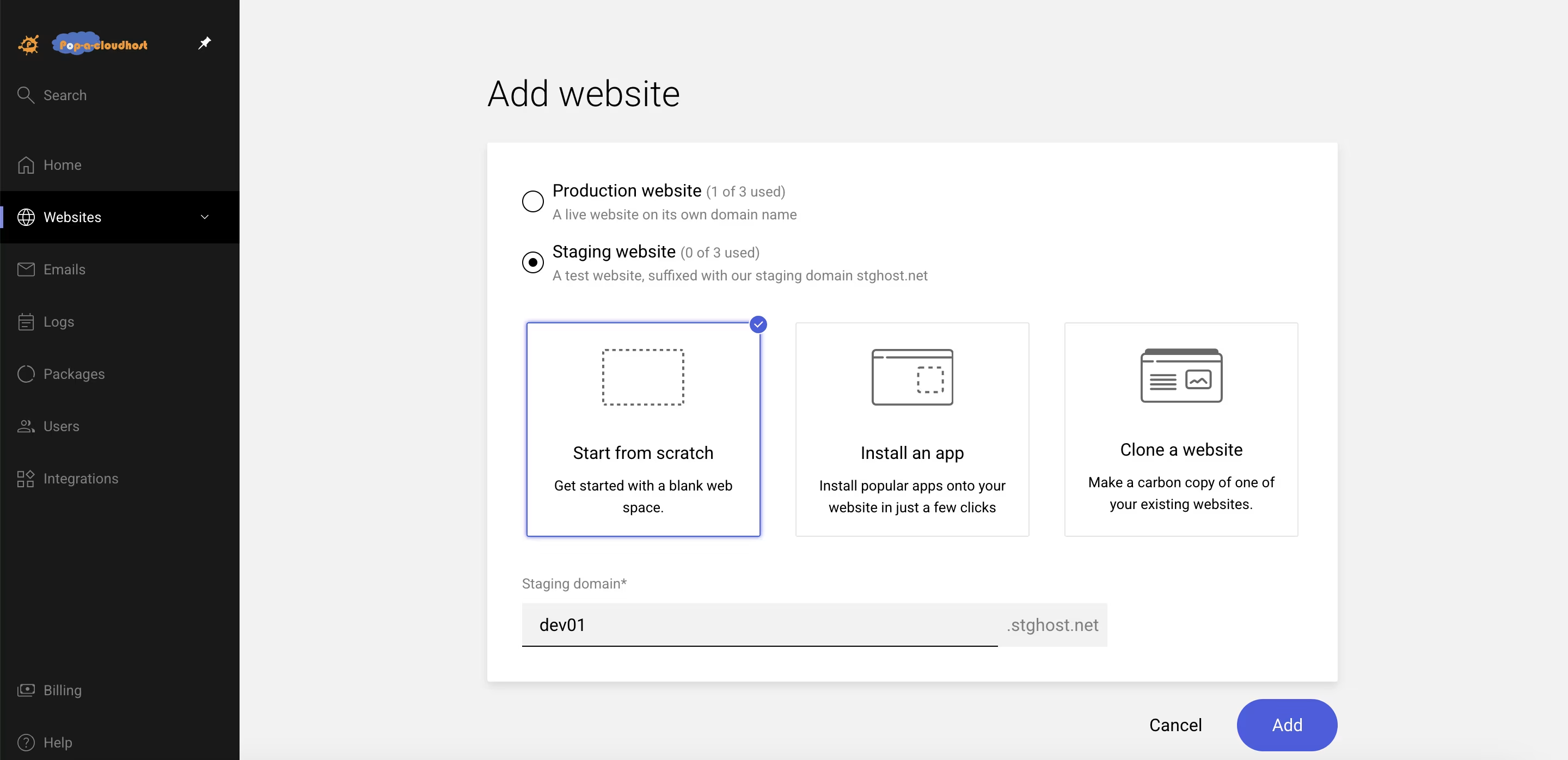
5. Click Add to finish
Push a staging website live
- To push a staging website live:
Open Websites in the left sidebar
Select the staging website you would like to push live
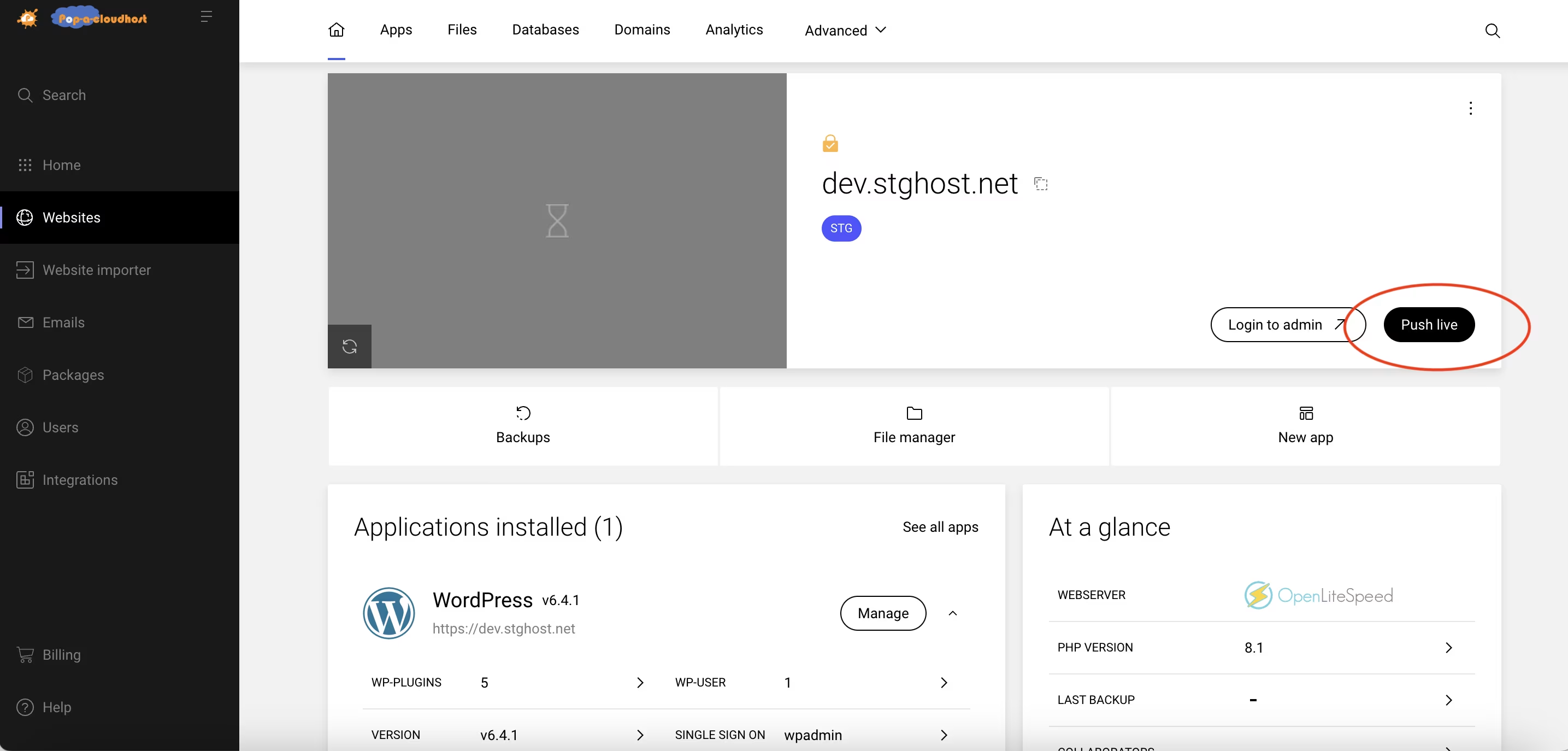
On the website dashboard select
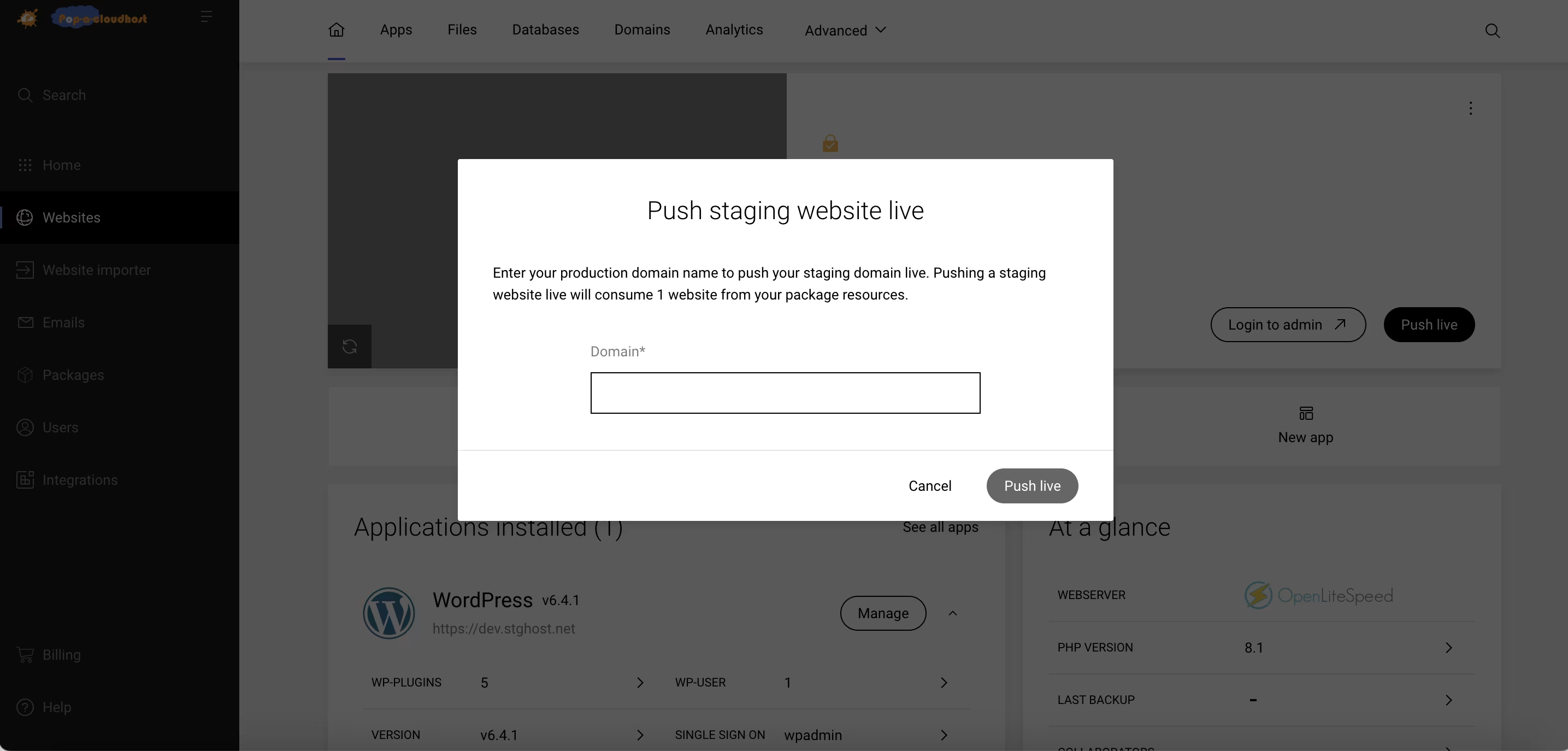
4. When the modal loads input a domain and click to finish
Buy Wordpress Hosting Plan Here.